Your movement, rest and readings make more sense alongside your records and how you feel. Afiyah brings chosen information into one view, with the source and your permissions kept in place.
Recorded steps today012345678901234567890123456789,012345678901234567890123456789012345678901234567890123456789012345678901234567890123456789
012345678901234567890123456789012345678901234567890123456789 active min012345678901234567890123456789012345678901234567890123456789012345678901234567890123456789 active kcal
Device source · Dated daily total
Sleep
7 h 18min
Last night · Recorded duration
Pulse
72bpm
Daily average · Source retained
1 / 4Overview
Your data stays your choice.
What your connection brings in
More than a number. A clearer picture of you.
Choose the information your source can share. Here is what can arrive in Afiyah and how it adds to your whole health picture.
Information from your sourceWhat it helps you understand
Daily movement
Steps
Distance
Active minutes
Active energy
Shared daily summaries. Active minutes and active energy appear only when the source supplies them.
In your whole health picture
See how much you move across recorded days and review your own activity goals.
Missing days stay visible. A calorie estimate keeps its original meaning.
Recorded workouts
Activity type
Session time
Duration
Exercise energy
Workout sessions shared by your connected health platform, including distance where available.
In your whole health picture
Bring the activity you recorded into the same conversation as your plan and recovery.
Workout energy stays distinct from daily energy. Overlapping sessions are not counted twice.
Sleep
Session timing
Recorded duration
Sleep history
Sleep sessions shared by a supported source, grouped by the date you woke up.
In your whole health picture
Compare your rest across nights alongside how rested and energetic you say you feel.
Recorded duration is not a sleep quality score. Your own sleep logs remain identifiable.
Heart rate
Daily average
Observation date
Recorded history
An average of the heart rate readings your source shares for the selected day.
In your whole health picture
Keep a dated pulse history beside your activity, rest and personal observations.
A daily average is different from a live or resting heart rate reading.
Saved measurements
Weight
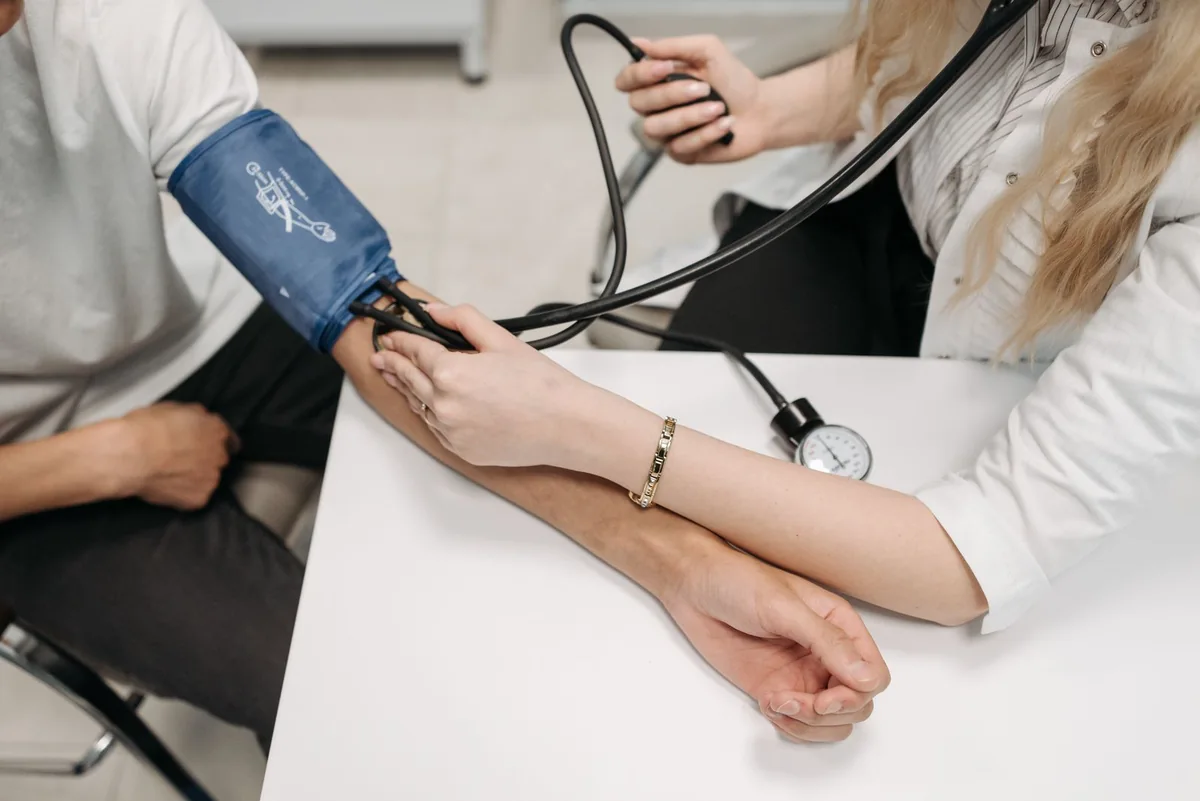
Blood pressure
Spot glucose
Saved measurements shared through an available source. You can also enter your own readings.
In your whole health picture
Follow your measurement history alongside your health records and prepare a clearer care conversation.
Units, timing and glucose meal context stay with each reading. Different sources remain identifiable.
The numbers meet the person
Your records. Your feelings. Your goals.
Lab reports and health records add clinical context. Your check ins add mood, energy and how you feel. Your chosen goals give that information a direction.
Available data depends on your device, source, phone and permissions. Every reading keeps its source, date and units. Check the last refresh in the app. Adding a reading does not by itself change an assessment score or complete a goal.
Connected activity
More than a reading. A clearer picture of you.
Keep the source, date and permissions beside supported activity readings.
Connect selected information through a supported health platform, or add it yourself. Your phone, source app and permissions determine the readings available.
Health platform
Android Health Connect
Bring in selected information shared by compatible Android apps. Choose the data types you allow, with the original source kept beside each record.
Health platform
Samsung Health
Bring selected movement and health information into your personal view through an available Samsung connection or Health Connect. What appears depends on the source and your permissions.
Your choice
Your records and home readings
Add observations and measurements yourself, and keep health documents alongside them. A wearable is one part of your story, not a requirement for using Afiyah.
The devices in your everyday life
Explore familiar watches, rings and trackers. Check the available data sharing route for your device and phone.
Afiyah
Movement6,800stepsYour daily totalSource and date retained
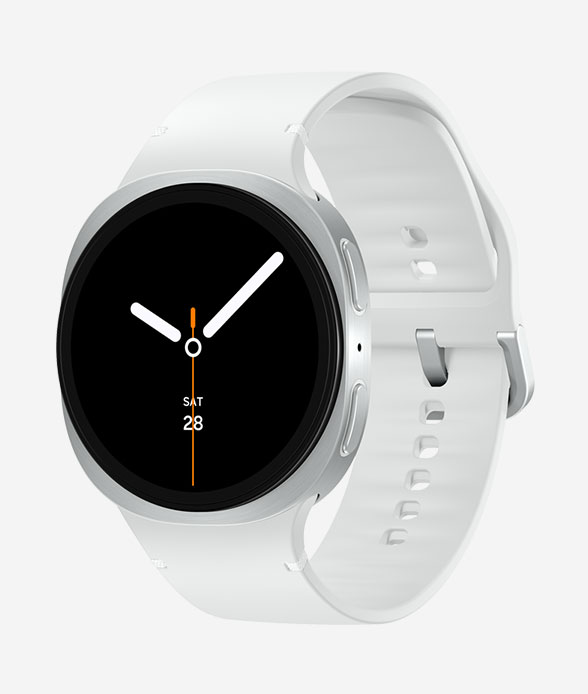
Samsung Galaxy Watch8
Available readings depend on Samsung Health sharing and your phone permissions.
Afiyah
Pulse history72bpmA dated observationSource and date retained
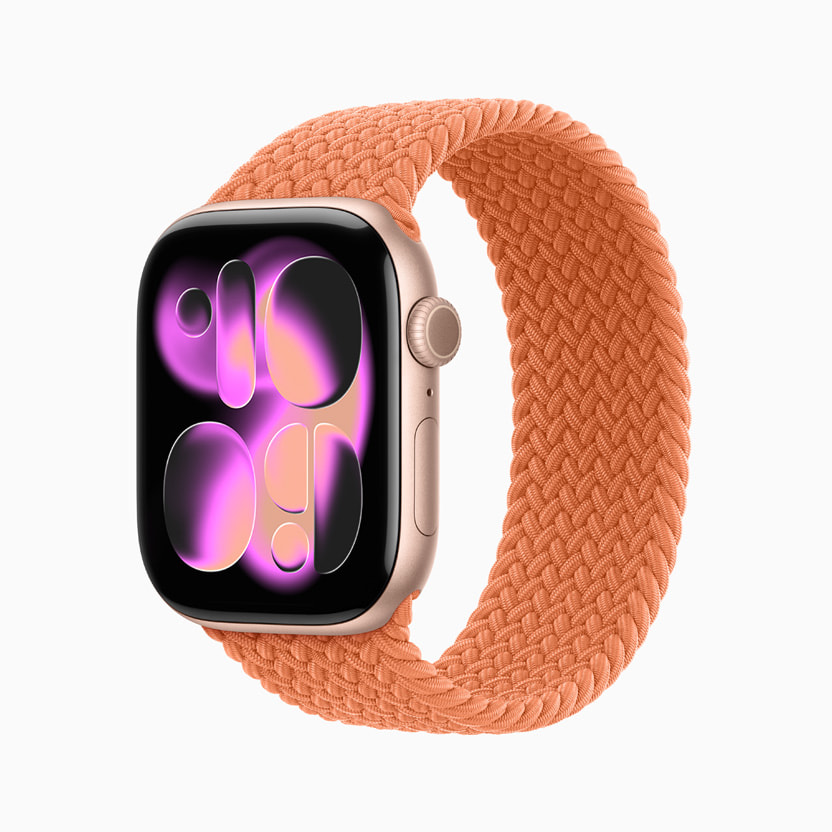
Apple Watch Series 11
Apple Watch records use Apple Health. Confirm the available Afiyah connection for your phone.
Afiyah
Recorded workout32minutesA session in your storySource and date retained
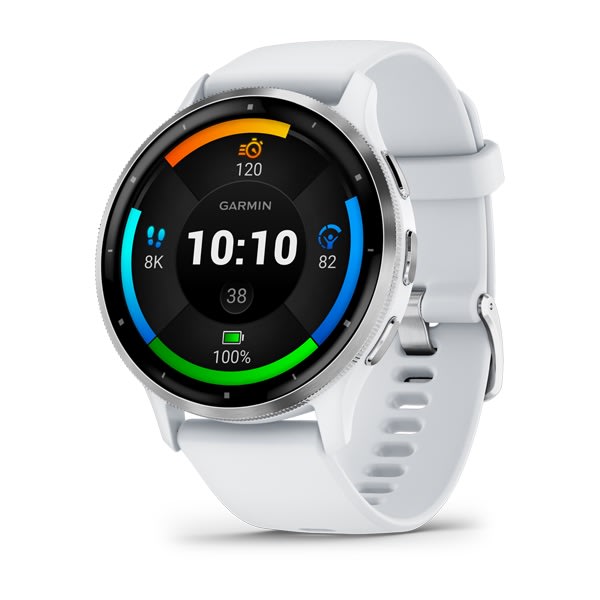
Garmin Venu 3
Available readings depend on the data shared by Garmin and your health platform.
Afiyah
Sleep7 h 10minRecorded durationSource and date retained
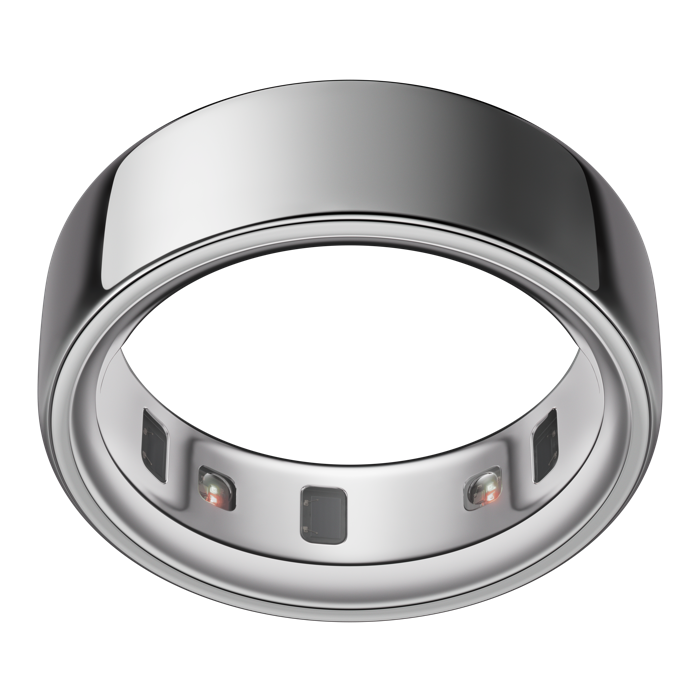
Oura Ring 4
Available readings depend on the data shared by Oura and your health platform.
Afiyah
Distance3.2kmA little further todaySource and date retained
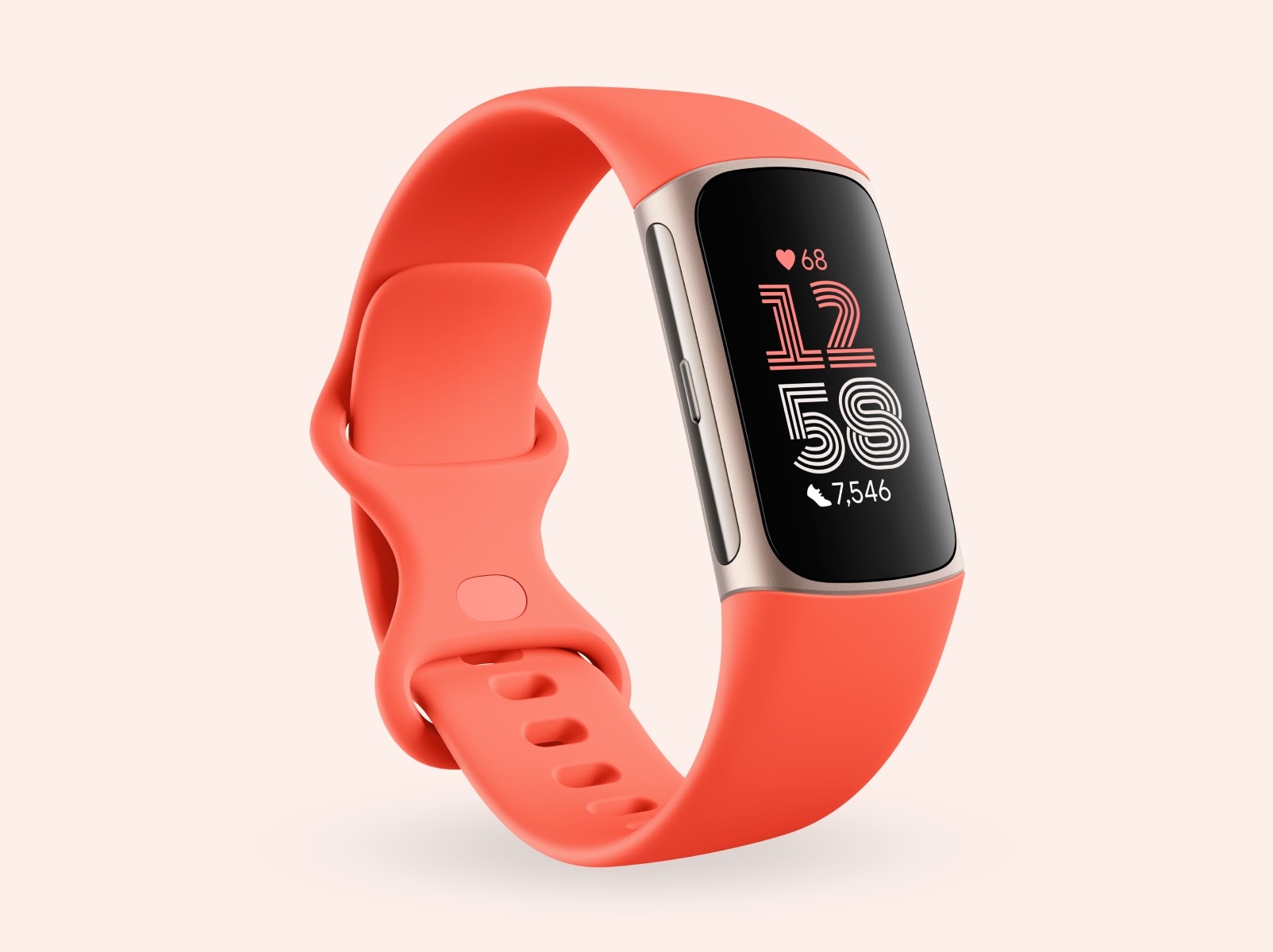
Fitbit Charge 6
Available readings depend on the data shared by Fitbit and your health platform.
Afiyah
Active energy240kcalA recorded estimateSource and date retained
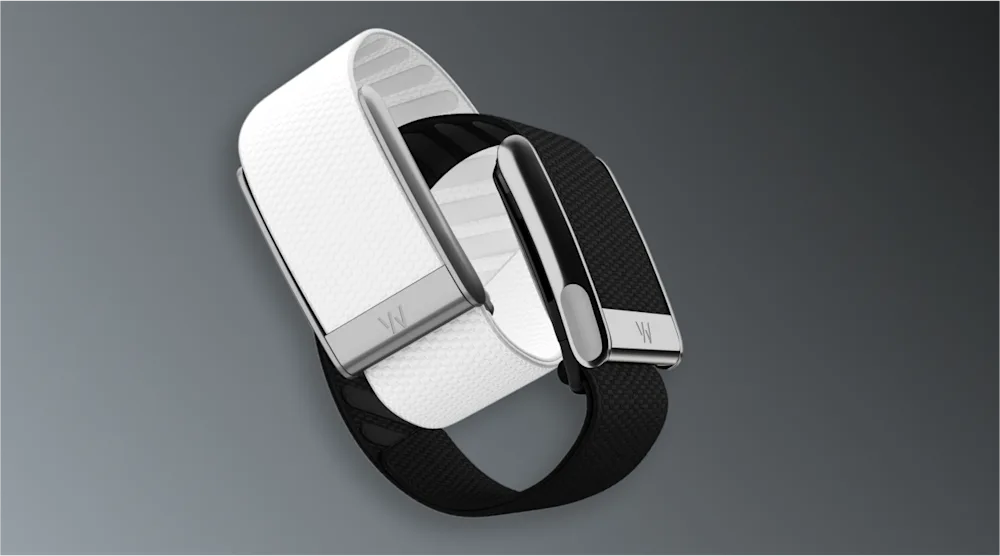
WHOOP 5.0 and MG
Available readings depend on the data shared by WHOOP and your health platform.
Records & understanding
Less searching. More understanding.
Your records, explained with their source and clinical context intact.
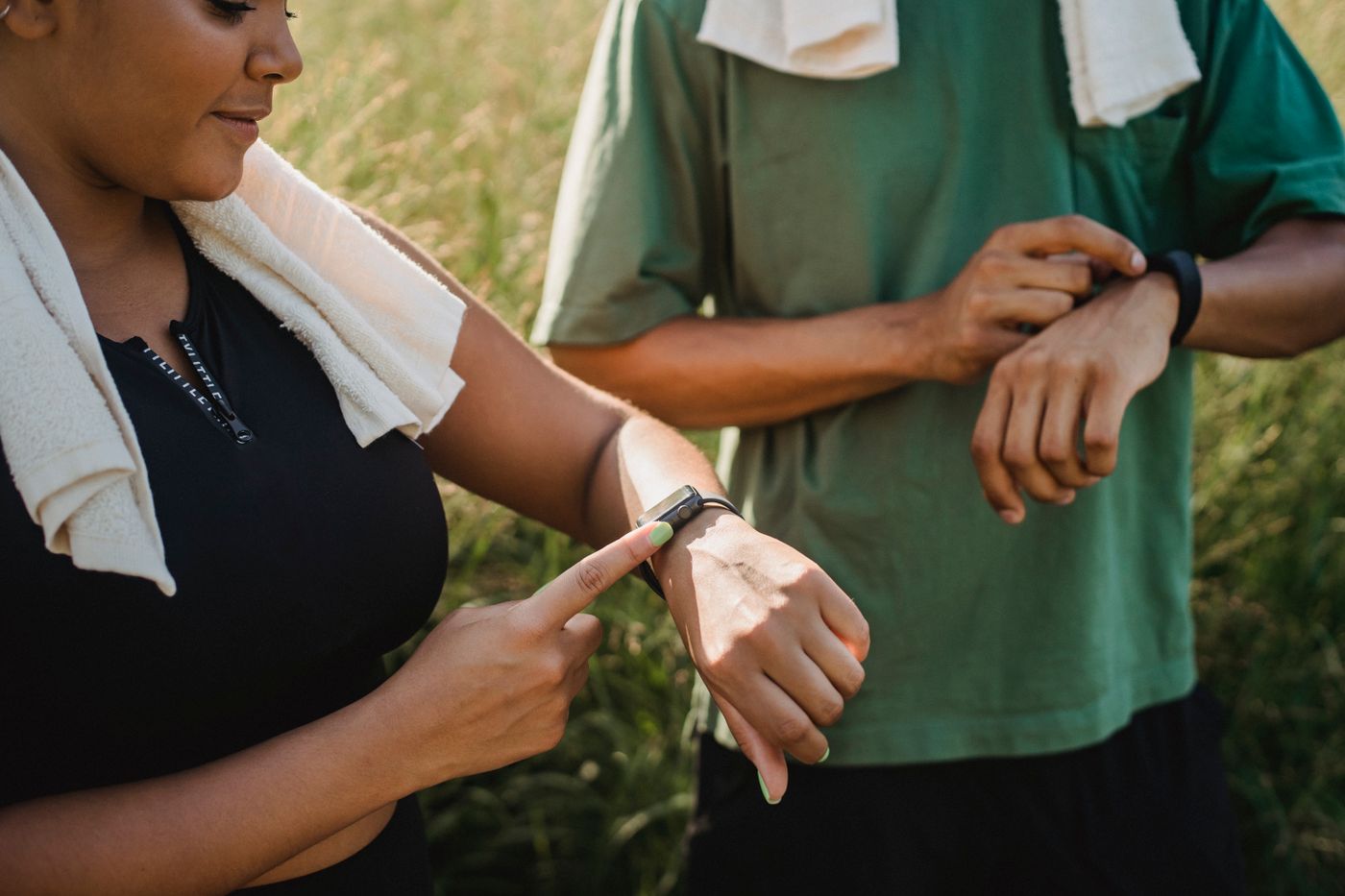
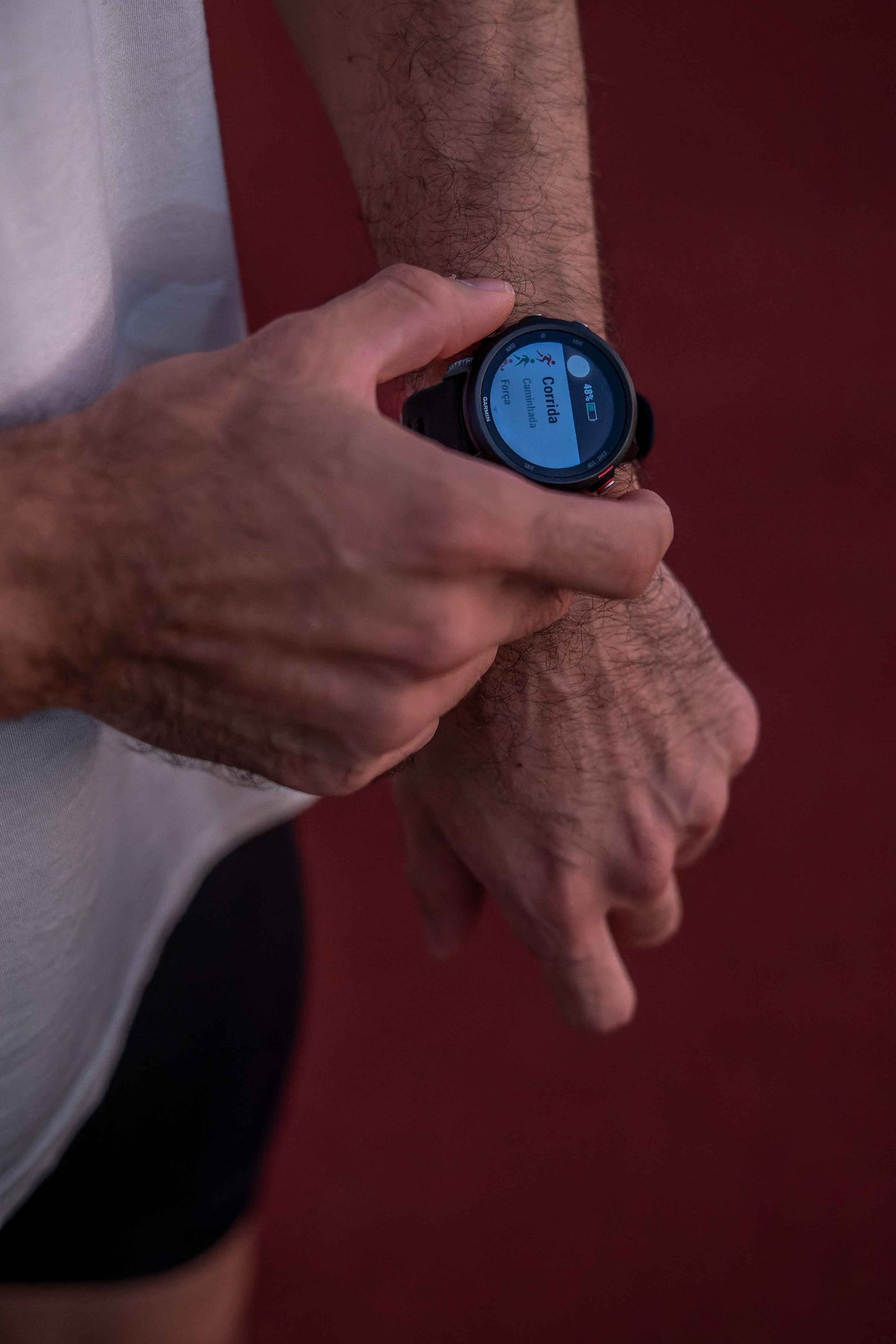
A morning run, a training session or a walk with someone you love. Keep the information your device shares alongside your rest, records and how you feel.
Set up your connection in the private Afiyah app. Keep control of the source, the information and what is shared.
01
Choose
Select an available source and the information you want to bring in. Your device app may still be needed for setup and syncing.
02
Allow
Review the platform permissions. Afiyah reads the selected information for the consenting adult account owner.
03
Review
Keep the date, source and units beside each record. Check the last refresh and pause or revoke access whenever you choose.
Connecting is one choice. AI sharing is another.
Selected Health Connect records may be shared with Sanad only through a separate permission choice. Direct Samsung records stay on the phone and are excluded from external AI sharing. Device imports do not fill in assessment answers or mark a plan complete.
In the private Afiyah app, open Connected health and choose an available source. A wearable may share information through its manufacturer’s app and a supported health platform. Review the permissions and actual readings available for your device and phone. If your source is not listed, contact Afiyah before relying on a connection.
Will I still need my device app?+
Usually, yes. The manufacturer’s app may still handle device setup and syncing. Afiyah brings permitted information together so you can understand it alongside your records, observations and goals.
Does every device share every reading?+
No. Available readings depend on the device, phone, manufacturer, source app and your permissions. A device having a feature does not automatically make that information available in Afiyah. Check the data types shown when connecting.
Is this live monitoring?+
No. Refresh timing depends on the source and phone permissions. A missing reading stays unknown, rather than becoming zero. Afiyah does not provide continuous clinical or emergency monitoring.
Can I change my mind about sharing?+
You can pause a connection or revoke its permissions in the private app and relevant health platform. AI sharing is a separate choice. Direct Samsung records stay on the phone and are excluded from external AI sharing.
Can I connect a device for my family?+
Connected health imports are for the consenting adult account owner. Do not connect another person’s device to your profile. Shared membership access does not merge private health information.
Your story goes beyond a reading.
Explore the plans, personal observations and care conversations that bring the bigger picture into view.